


Key Points of This Article
- An analysis of the in-app code from the version U.43.playstore.pixel3.823158033 update for the Android system app “Google Play Protect Service,” released around Monday, October 27, 2025, has revealed the addition of code related to a new “Live threat detection” settings page.
- A dedicated settings page for “Live threat detection” may be added to Google Pixel devices in the future.
- Incidentally, the introduction of “Live threat detection” was also announced from the outset for Android devices from manufacturers such as Honor, Lenovo, Nothing, OnePlus, Oppo, Sharp, and Transsion.
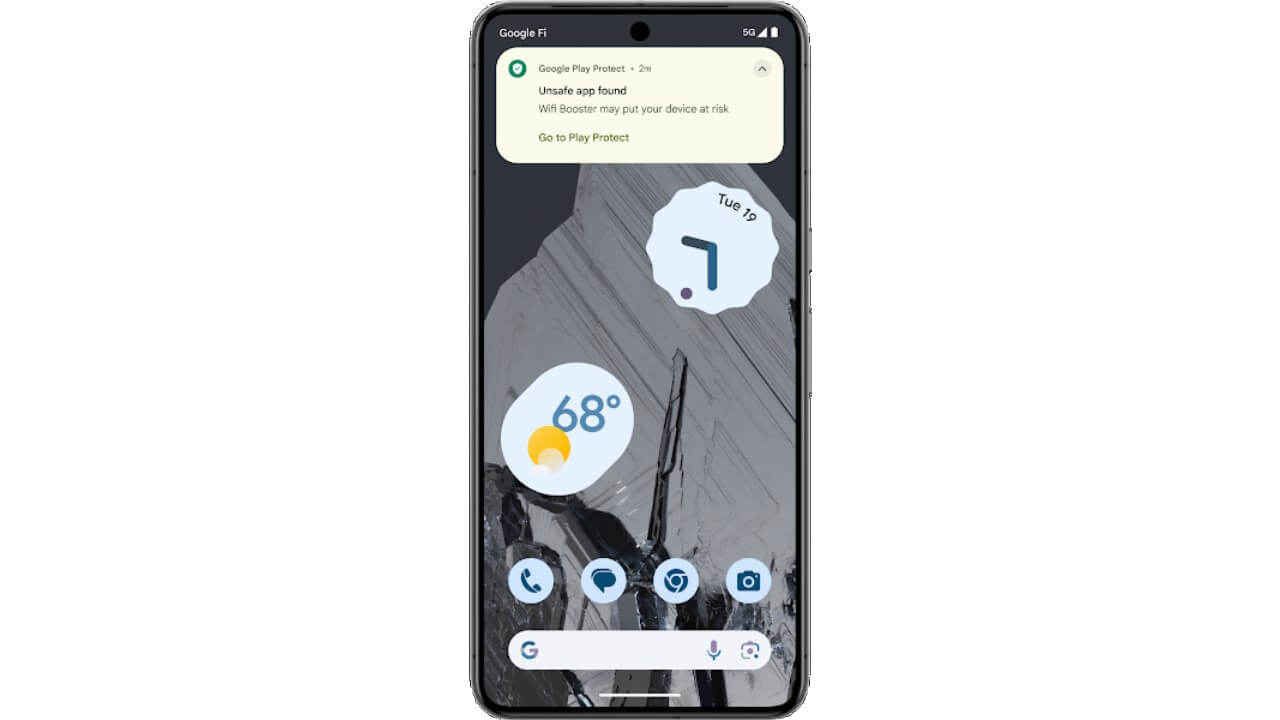
Google Pixel devices from the “Pixel 6” onwards are equipped with “Live threat detection,” a security upgrade feature for “Google Play Protect” that enhances the detection of malicious apps through on-device AI.
This “Live threat detection” is a security upgrade feature for Google Pixel devices that was implemented starting in November 2024. It analyzes in real-time how each installed app uses sensitive permissions and interacts with other apps, detecting those with suspicious behavior. However, as a security feature integrated within “Google Play Protect,” there is currently no specific settings page for “Live threat detection.”

However, an analysis of the in-app code from the version U.43.playstore.pixel3.823158033 update for the Android system app “Google Play Protect Service,” released around Monday, October 27, 2025, has revealed the addition of code for a new “Live threat detection” settings page. This suggests that a dedicated settings page for “Live threat detection” may be added to Google Pixel devices in the future.
<activity
            android:theme="@style/Theme.SubSettingsBase"
            android:label="@string/gpps_home_title"
            android:name="com.google.android.apps.miphone.odad.home.impl.HomeActivity"
            android:exported="true">
            <intent-filter>
                <action android:name="android.intent.action.GPPS_HOME"/>
                <category android:name="android.intent.category.DEFAULT"/>
            </intent-filter>
        </activity>
        <activity-alias
            android:name="com.google.android.apps.miphone.odad.home.settings.impl.SettingsHomeActivityLegacyAdvancedSecurity"
            android:enabled="false"
            android:exported="true"
            android:targetActivity="com.google.android.apps.miphone.odad.home.impl.HomeActivity">
            <intent-filter>
                <action android:name="com.android.settings.action.IA_SETTINGS"/>
                <category android:name="android.intent.category.DEFAULT"/>
            </intent-filter>
            <meta-data
                android:name="com.android.settings.category"
                android:value="com.android.settings.category.ia.legacy_advanced_security"/>
            <meta-data
                android:name="com.android.settings.title"
                android:resource="@string/gpps_home_preference_title"/>
            <meta-data
                android:name="com.android.settings.summary"
                android:resource="@string/gpps_home_preference_summary"/>
        </activity-alias>
<string name="gpps_gpp_off_warning_card_button">Go to Play Protect</string>
<string name="gpps_gpp_off_warning_card_message">Play Protect scanning must be on to detect security threats</string>
<string name="gpps_gpp_off_warning_card_title">Play Protect is off</string>
<string name="gpps_home_chip_text">No threats found in apps</string>
<string name="gpps_home_footer_preference_category_title">Your privacy</string>
<string name="gpps_home_footer_preference_title">This is a protected security feature. No info about you or your device is shared with Google. Some app info may be sent to Play Protect to confirm threats and improve app security.</string>
<string name="gpps_home_how_it_works_category_title">How it works</string>
<string name="gpps_home_how_it_works_message_1">Play Protect’s live threat detection runs entirely on your device</string>
<string name="gpps_home_how_it_works_message_2">You’ll be alerted to detected threats, like apps that attempt to steal your personal info through phishing or secretly monitor your device activity</string>
<string name="gpps_home_preference_summary">Continuously scans apps for security threats</string>
<string name="gpps_home_preference_title">Live threat detection</string>
<string name="gpps_home_title">Live threat detection</string>
<string name="gpps_home_top_intro_preference_title">Continuously scans your apps to detect suspicious behavior, and alerts you if threats are detected</string>
<string name="gpps_safety_source_summary_plural">{count, plural, =0 {Continuously scans apps for security threats} =1 {1 unsafe app found} other {# unsafe apps found} }</string>
<string name="gpps_safety_source_title">Live threat detection</string><string name="gpps_gpp_off_warning_card_button">Play プロテクトに移動</string>
<string name="gpps_gpp_off_warning_card_message">セキュリティ上の脅威を検出するには、Play プロテクトによるスキャンを ON にしてください</string>
<string name="gpps_gpp_off_warning_card_title">Play プロテクトは OFF です。</string>
<string name="gpps_home_chip_text">アプリで脅威は見つかりませんでした</string>
<string name="gpps_home_footer_preference_category_title">プライバシー</string>
<string name="gpps_home_footer_preference_title">これは保護されたセキュリティ機能です。ユーザーやデバイスに関する情報が Google と共有されることはありません。一部のアプリ情報は、危険度の判別とアプリのセキュリティ向上を目的として Play プロテクトに送信されることがあります。</string>
<string name="gpps_home_how_it_works_category_title">仕組み</string>
<string name="gpps_home_how_it_works_message_1">Google Play プロテクトのライブ脅威検出は、すべての処理をデバイス上で行います</string>
<string name="gpps_home_how_it_works_message_2">フィッシングにより個人情報を盗もうとするアプリや、デバイスのアクティビティを密かに監視するアプリなど、脅威が検出されると警告が表示されます</string>
<string name="gpps_home_preference_summary">アプリを継続的にスキャンしてセキュリティ上の脅威を確認します</string>
<string name="gpps_home_preference_title">ライブ脅威検出</string>
<string name="gpps_home_title">ライブ脅威検出</string>
<string name="gpps_home_top_intro_preference_title">アプリを継続的にスキャンして不審な動作を検出し、脅威が検出された場合は警告を表示します</string>
<string name="gpps_safety_source_summary_plural">{count,plural, =0{アプリを継続的にスキャンしてセキュリティ上の脅威を確認します}=1{安全ではないアプリが 1 個見つかりました}other{安全ではないアプリが # 個見つかりました}}</string>
<string name="gpps_safety_source_title">ライブ脅威検出</string>Incidentally, while “Live threat detection” is a “Google Play Protect” security upgrade implemented on Google Pixel devices, its introduction on Android devices from manufacturers such as Honor, Lenovo, Nothing, OnePlus, Oppo, Sharp, and Transsion was also announced from the beginning. I haven’t been following its progress, so I’m not sure of the current status.
“Google Play Protect Service” App Link

コメントを残す